Scope Mappers
A scope mapper is a mechanism for defining and managing the scopes in an authorization context.
Here's how you do it
1 Go to Dashboard > Authorization > Scopes.
2 Select the scope to which you'd like to add mappers.
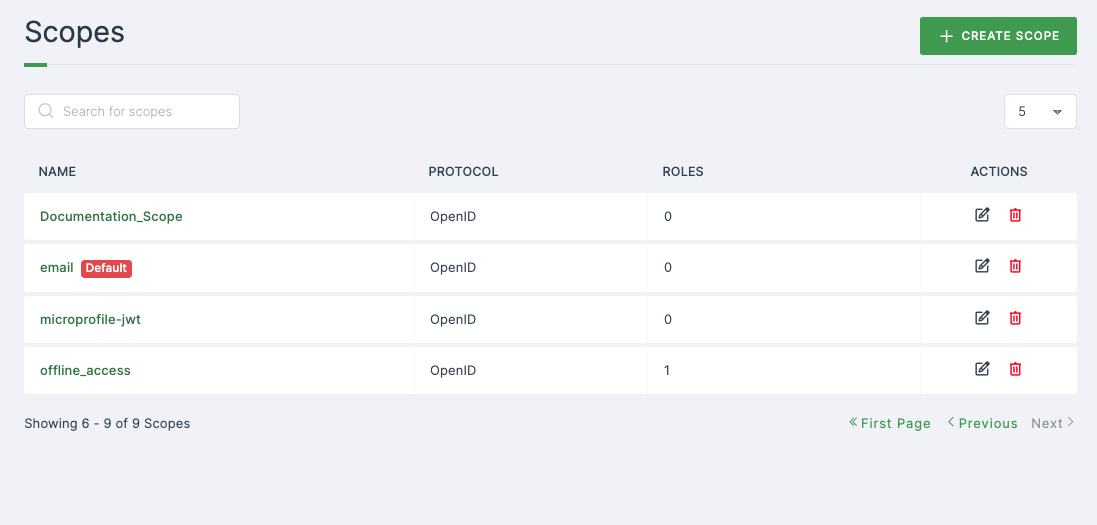
3 Upon selecting, you will be directed to the Settings tab of the chosen scope.
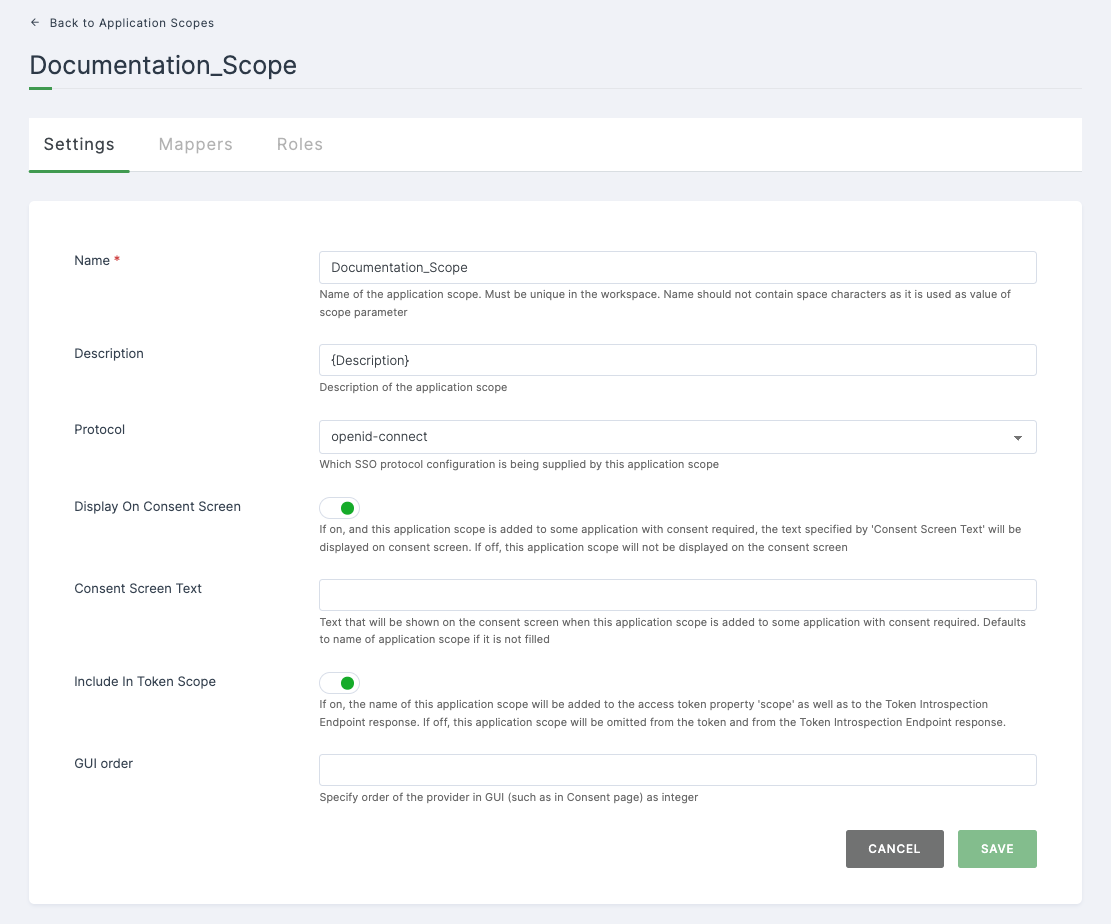
4 Click on the Mappers tab.
note
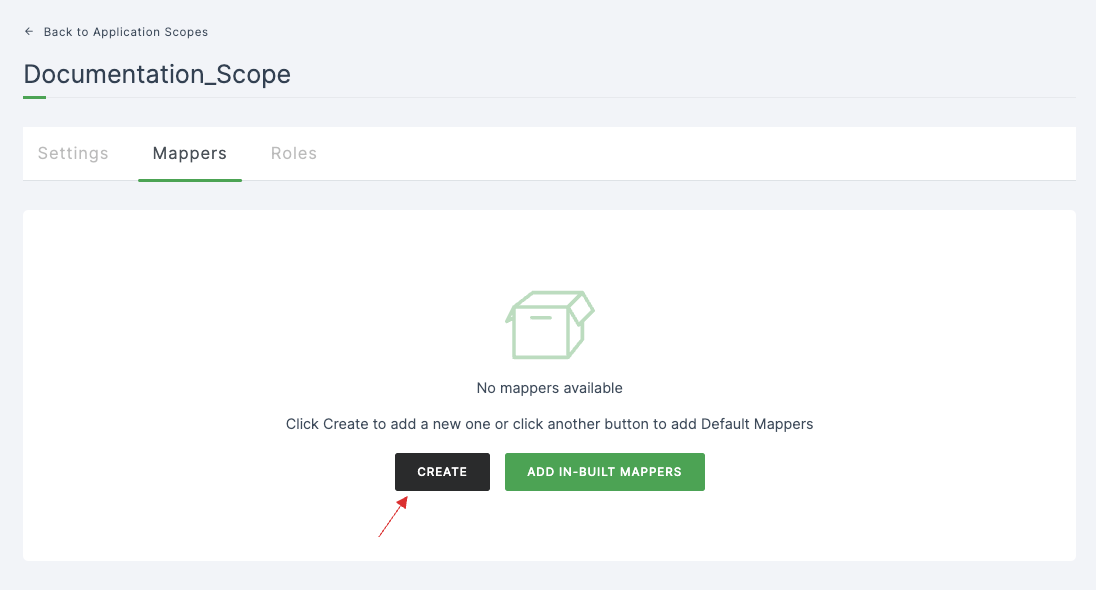
There are two ways to add scope mappers, which is by creating custom mappers or adding in-built mapper.
5 Click on the CREATE button.
6 A set of configurations will be displayed.
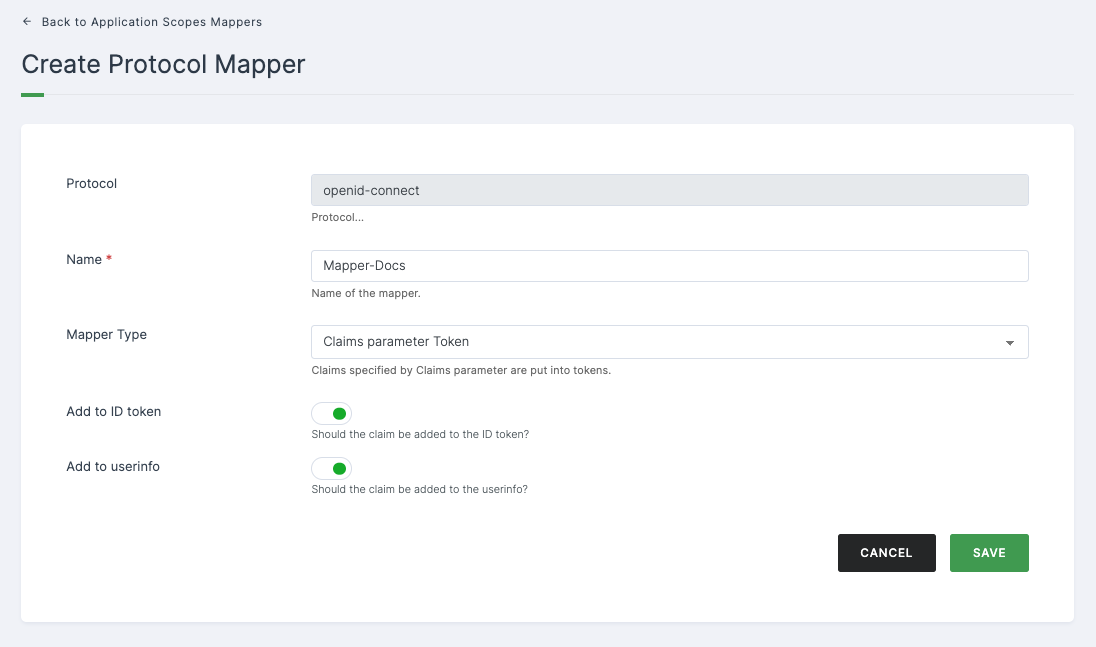
Configuration
| Configuration | Description |
|---|---|
| Protocol | The selected protocol for the scope will be displayed.(i.e, OpenID Connect or SAML) |
| Name | Name of the mapper. |
| Mapper Type | Select the type of the mappers from the drop-down. |
| Add to ID token | Enable to add the claims for the ID token. |
| Add to userinfo | Enable to add the claims for the userinfo. |
7 Once done, Click on SAVE.
8 To add IN - BUILT MAPPERS.
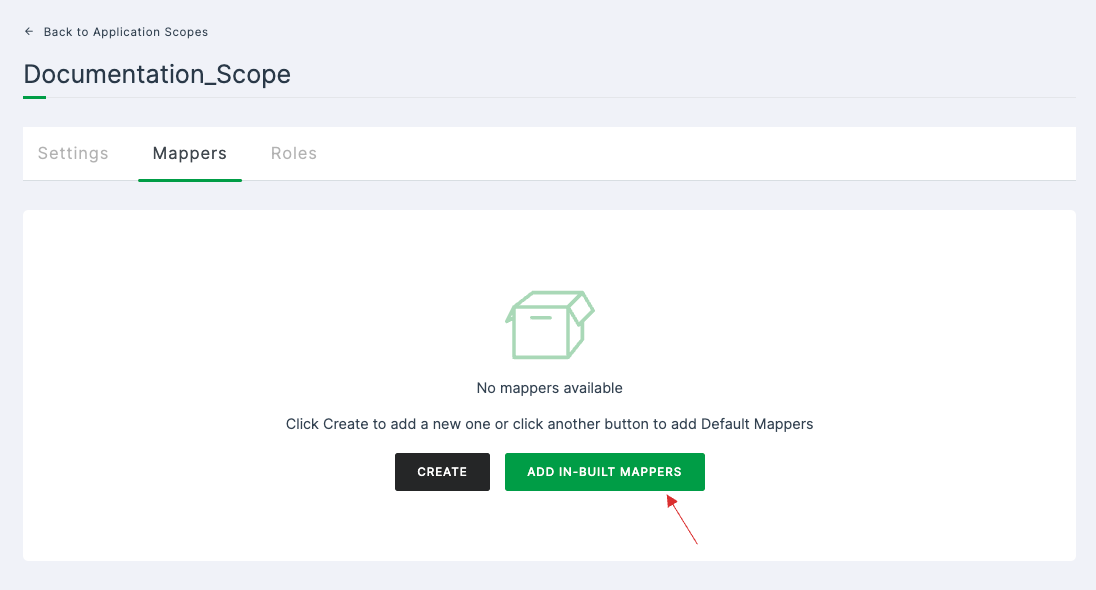
9 Click on ADD IN-BUILT MAPPERS.
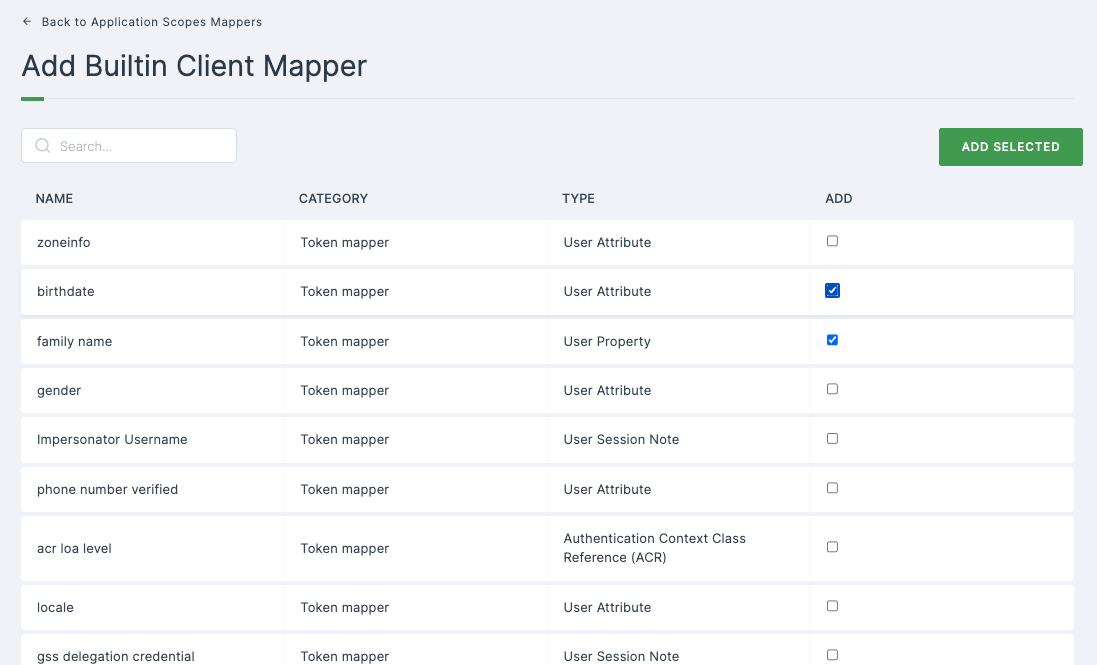
10 Select the mappers from the available list.
11 Click on ADD SELECTED.